
PRO-TAX

Tax Software · Filing Season 2027 · Tax Year 2026

Professional tax software, provisioned and supported for your office.

R&A Pro-Tax Software Solutions™ provides independent tax offices with professional tax-preparation software plus guided onboarding, software training and support. Activation follows office verification, required credentials, compliance review and software approval.

Who it is for

Professional software for authorized tax offices.

Established offices, first-year offices preparing to launch, and growing multi-preparer practices that want one accountable relationship behind their software.
Software overview
AttributeDetail
ProductR&A Pro-Tax Software Solutions™ — branded professional tax-preparation software
SeasonFiling Season 2027 · Tax Year 2026
AudienceLicensed professional preparers and tax-office owners
FilingElectronic filing subject to office credentials, user authorization and software approval
Delivered byR&A Pro-Tax Software Solutions™, a service bureau — your agreement is with R&A Business Software Solutions, LLC

Core capabilities

What your office can do with it.

Capabilities depend on the tax year, your office’s software configuration and approval.

Individual & business return preparation

Available

Federal and state preparation for 1040 and supported business returns for tax year 2026.

Authorized electronic filing

Available

E-filing requires appropriate IRS-issued office credentials, authorized users and software approval. Training or payment alone never authorizes transmission. R&A does not file on your behalf.

Your office name inside the software

Available

Your account is branded to your office — your tax-office name appears in the software your team signs in to each day.

Multi-preparer office setup

Available

Preparer logins, office structure, and permissions configured during onboarding.

Prior-year return access

Available

Prior-year preparation availability depends on the software release for the 2026 tax year.

In-season software updates

Available

Form, calculation, and platform updates are released through the season.

Branded Mobile Tax App

Third-Party Approval Required

Eligible mobile tools depend on your office’s written package terms, configuration and provider approval. R&A confirms what your office receives during enrollment; neither universal access nor an extra activation or charge should be assumed.

System & browser requirements

What your office needs on site.

System requirements
RequirementDetail
DeliveryBrowser-based professional software. No workstation install is required for day-to-day preparation.
Supported browsersA current version of Google Chrome, Microsoft Edge, or Mozilla Firefox, kept up to date.
Operating systemAny modern Windows or macOS release still receiving security updates.
ConnectionA reliable business-grade broadband connection at every location that prepares returns.
PeripheralsA scanner or multifunction printer for document capture, and a secure printer for client copies.
SecurityIndividual logins for every user, current anti-malware protection, and a current Written Information Security Plan.

Supported return types

Confirmed for your office in writing before enrollment. Support follows the software release calendar for the season.

  • Federal and state individual returns (Form 1040 and supported schedules).
  • Supported business return types, confirmed for your office before enrollment.
  • Prior-year individual returns where the release for that year is available.
  • Amended returns where supported by the release for that tax year.

Software-access conditions

Secure access for your enrolled office.

Your verified office contact receives access after the required agreement, payment, onboarding and approval steps. Keep credentials private.
  • Purchase completed and the written agreement executed.
  • Onboarding requirements completed in your secure office portal.
  • A valid, active EFIN on file for the office and a current PTIN for every preparer.
  • Compliance review completed and provisioning verified by an authorized R&A administrator.
  • Access details delivered inside the secure portal to your authorized contact — never posted publicly or sent in plain text.

Availability & third-party dependencies

Third-party dependencies
DependencyWhat it means
IRS EFINYour office must hold a valid, active EFIN. R&A assists with the IRS e-file application process; the IRS approves and issues EFINs. R&A does not issue, lend, or share EFINs.
PTIN for each preparerEvery individual preparing returns for compensation must hold a current PTIN. The IRS issues and controls PTINs.
Software release scheduleAvailability of forms, states, and prior-year modules follows the software release calendar for the season.
Underlying platform providerR&A configures, provisions, and supports your access under its service-bureau relationship with the underlying platform provider. R&A does not own or develop the tax-preparation engine.
Bank program approvalBank products require a separate application and approval by the bank. Approval is never guaranteed.
Completed onboardingAccess credentials are issued only after purchase, agreement execution, and onboarding requirements are satisfied.

Package comparison · Filing Season 2027

Choose the package that matches your office.

A summary is shown here. The full inclusion matrix, promotional terms, and payment details live on Plans & Pricing.
R&A Pro-Tax Compass software package

R&A Pro-Tax Compass

For a new or single-location office getting its season stood up.

Explore Compass
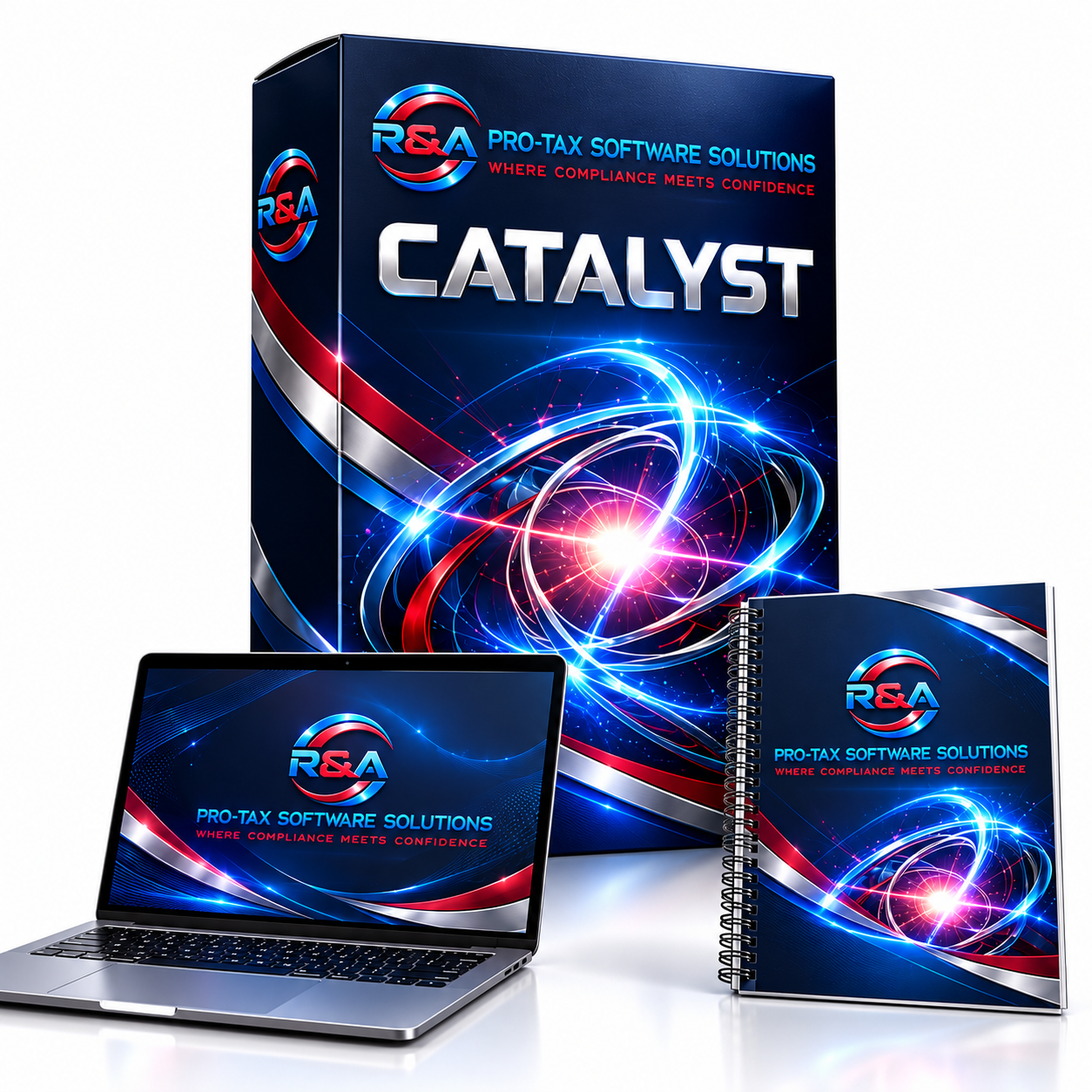
R&A Pro-Tax Catalyst software package

R&A Pro-Tax Catalyst

For an established office adding staff and volume this season.

Explore Catalyst
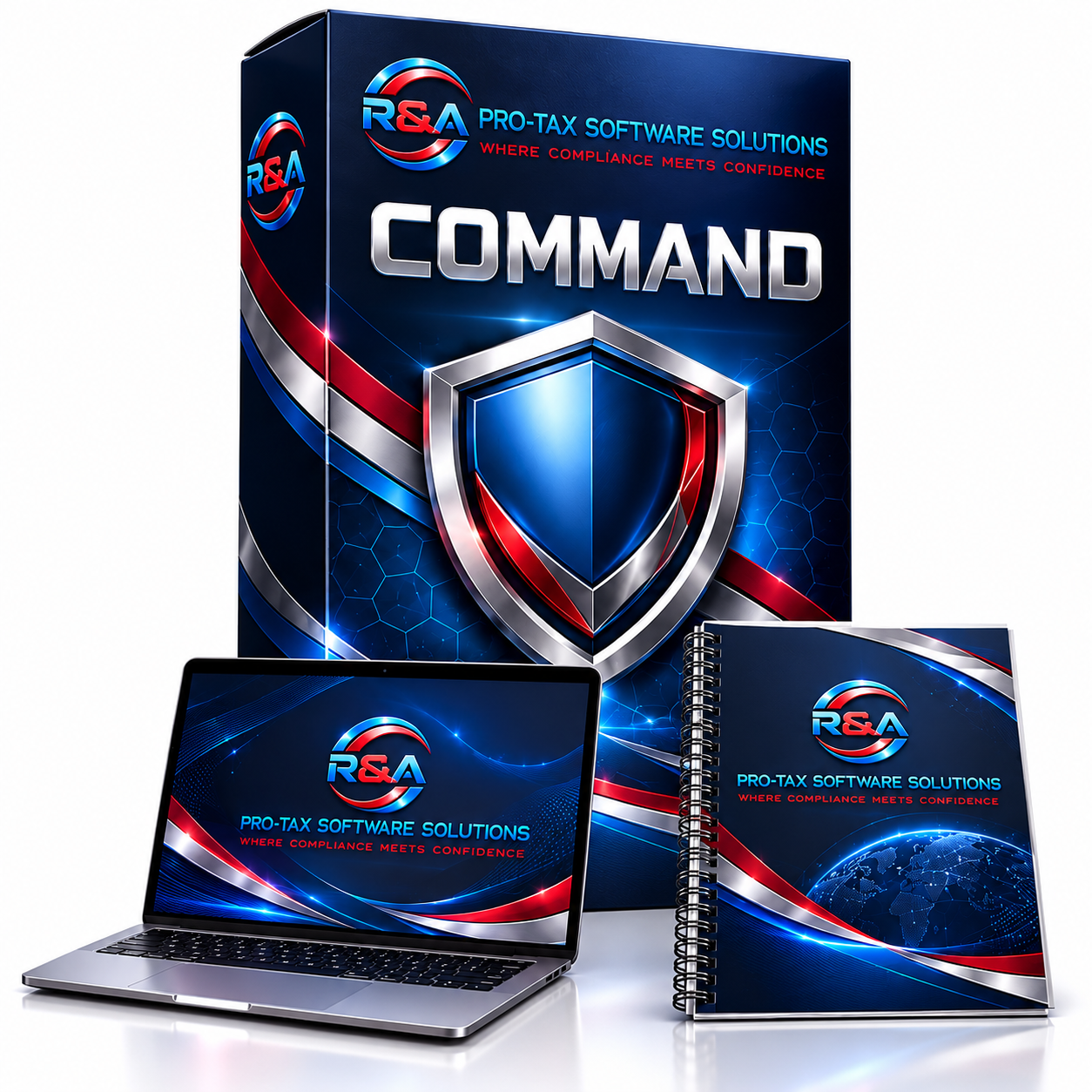
R&A Pro-Tax Command software package

R&A Pro-Tax Command

For a larger office with deeper onboarding and team-management needs.

Explore Command

R&A Pro-Tax Alliance software package

R&A Pro-Tax Alliance

For a licensed office seeking deeper setup and team coordination. Other locations require separate authorization.

Explore Alliance

Onboarding & provisioning

How your office receives software access.

R&A coordinates setup and confirms approval before delivering access. Payment alone is not activation.
  1. 01

    Enrollment review

    An R&A representative confirms office requirements and package fit in writing.

  2. 02

    Agreement & payment

    The service-bureau agreement is executed and payment setup is completed.

  3. 03

    Office information

    Ownership, locations, preparers, credentials, and compliance documents are collected.

  4. 04

    Software setup

    R&A configures your software environment, office naming, and preparer structure.

  5. 05

    Office review

    R&A reviews the required office information and confirms approval before access is delivered.

  6. 06

    Access delivery & first login

    Your access link and assigned username are delivered in the portal and first login is confirmed with you.

Training, migration & banking

What surrounds the software.

Training included

Available

Software orientation, office-readiness steps, R&A procedures, and security awareness are assigned to your office record in the Training Academy.

Training Academy

Data migration

Optional Add-On

Structured import of your existing client list can be requested during enrollment. Scope depends on the source system and data quality, and is confirmed in writing before work begins.

Bank-product relationship

Optional Add-On

Refund transfers and advances require a separate application to a participating bank. The bank sets its fees and makes the approval decision; R&A assists with documents and status tracking.

Bank products

Security & support

How your office is protected and helped.

Security

  • Individual logins only — credentials are never shared, posted, or emailed in plain text.
  • Sensitive identifiers are held in a secure vault and masked in operational views.
  • Access to your office record is scoped to your office; other offices are never visible.
  • Confirm available security-awareness resources with your representative.

Support

Software access, e-file questions, bank enrollment, and portal issues are handled as tracked cases with reference numbers and full history in your secure portal.

Support Center

Product FAQs

Software questions offices ask.

What comes with the tax software?
Your package brings together R&A Pro-Tax Software Solutions™ branded professional tax software, software training, guided onboarding, core forms and intake resources, bank-enrollment assistance, support, and assigned available Academy core training. Catalyst adds workbooks, practice exercises and office templates; Command also adds marketing templates, a client onboarding toolkit and launch checklist; Alliance adds scoped custom setup, team onboarding assistance and scheduled office reviews. Each tier includes the preceding tier’s services. Unlimited preparer accounts and software usage apply within the enrolled EFIN / office / location after verification and activation approval. Mobile access and e-filing eligibility depend on your written package terms, credentials and approval; neither is automatic. An R&A representative confirms eligibility, availability and service scope.
Is this consumer self-filing software?
No. This is professional software for authorized tax-office users, subject to office credentials, onboarding and approval. It is not a consumer self-filing product.
Can I try the software before enrolling?
Request a discovery call with R&A to discuss software capabilities. Production access requires the written agreement, payment, onboarding, compliance review and software approval.
Can I move my client data from another product?
Data-migration assistance can be requested during enrollment. Scope depends on your source system and data quality, and is confirmed in writing — it is not automatic.
Do I have to offer bank products?
No. Bank products are optional and require a separate application to a participating bank, which makes its own approval decision and sets its own fees.
Is the Branded Mobile Tax App included?
Eligible mobile tools depend on your office’s written package terms, configuration and provider approval. R&A confirms what your office receives during enrollment; neither universal access nor an extra activation or charge should be assumed.
How many preparers can use the software?
All four approved packages allow unlimited authorized preparer accounts and software usage within the enrolled EFIN / office / location after approval. Additional locations require separate enrollment.
What happens at the end of the season?
R&A confirms your renewal with your office before anything is billed. Annual enrollment does not authorize automatic billing.

Disclosures

Service-bureau disclosures

  • • Funded bank product requirements are measured PER OFFICE — not per preparer
  • • Service bureau fees are separate from software licensing
  • • Bank fees vary by provider and are governed by bank product agreements
  • • Fees may be deducted from funded returns
  • • Maintenance, hosting, and operational fees apply
  • • Service bureau services are non-refundable
  • • Production minimums may apply per bureau agreement
  • • Compliance participation is required at all times
  • • All preparers must maintain a valid PTIN per IRS requirements
  • • All offices must maintain a valid EFIN in good standing
  • • Operations must comply with IRS Circular 230 — Regulations Governing Practice before the IRS
  • • Data security must align with IRS Publication 4557 — Safeguarding Taxpayer Data
  • • Electronic filing must align with IRS Publication 1345 — Handbook for Authorized IRS e-file Providers
  • • Written Information Security Plan (WISP) required for all offices (FTC Safeguards Rule)
  • • Identity theft safeguards and IP PIN governance must be enforced
  • • Due diligence requirements (Form 8867) apply for EITC, CTC/ACTC/ODC, AOTC, and Head of Household
  • • Annual cybersecurity awareness training required for all staff handling taxpayer data

See what your office would receive.

Compare packages or request a discovery call with R&A to confirm your office’s requirements.